

DETLEV PRO Stud Finder Wall Scanner
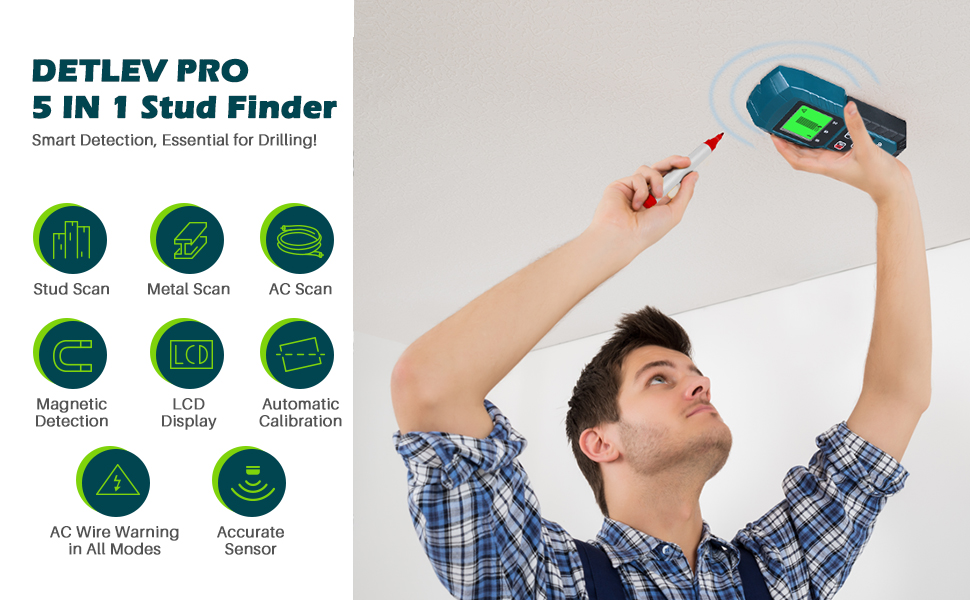
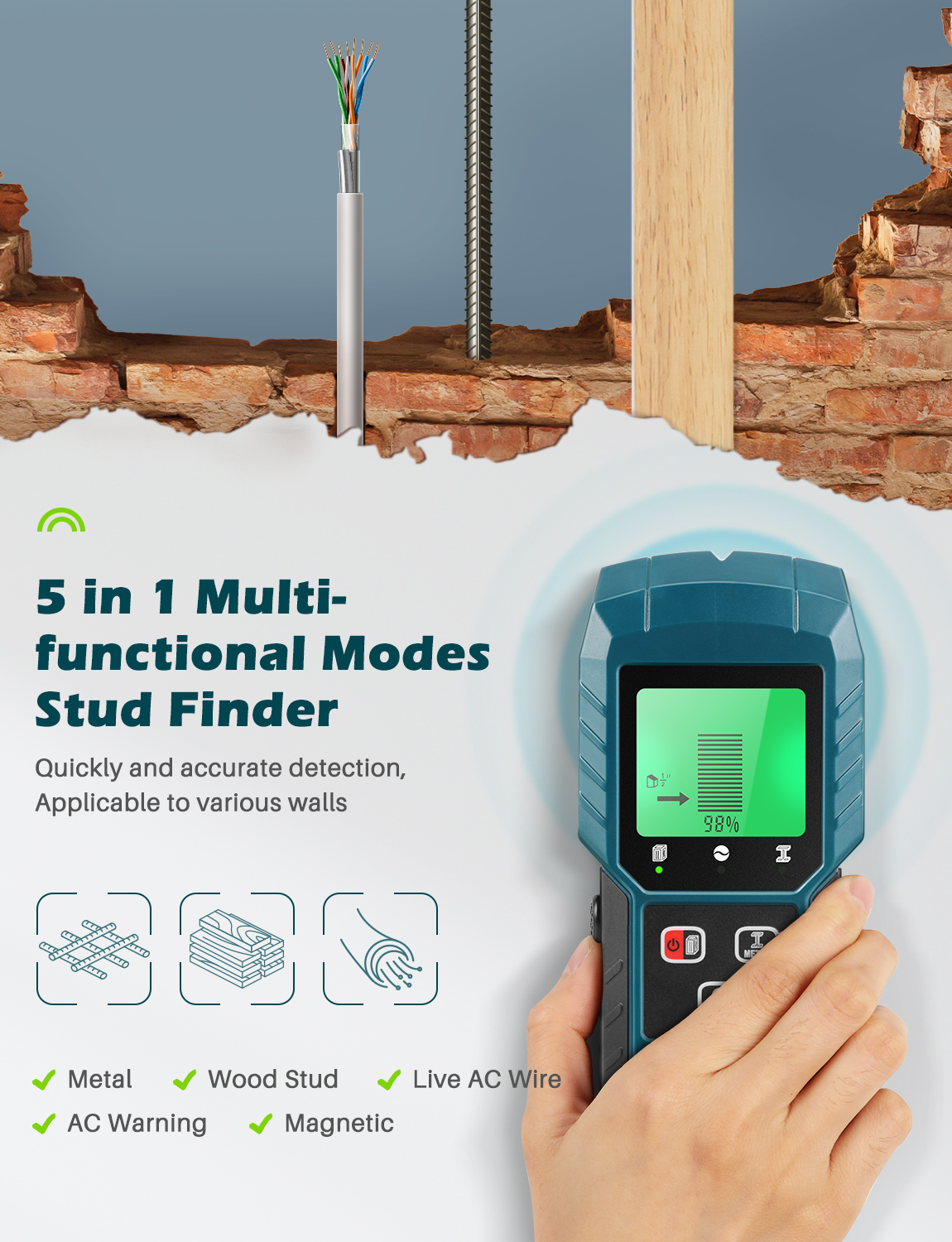
- Includes five different scanning modes for woods, metals and live AC wires
- Multi-mode sensor capable of detecting wood studs, metal support objects, and live AC wiring at the same time
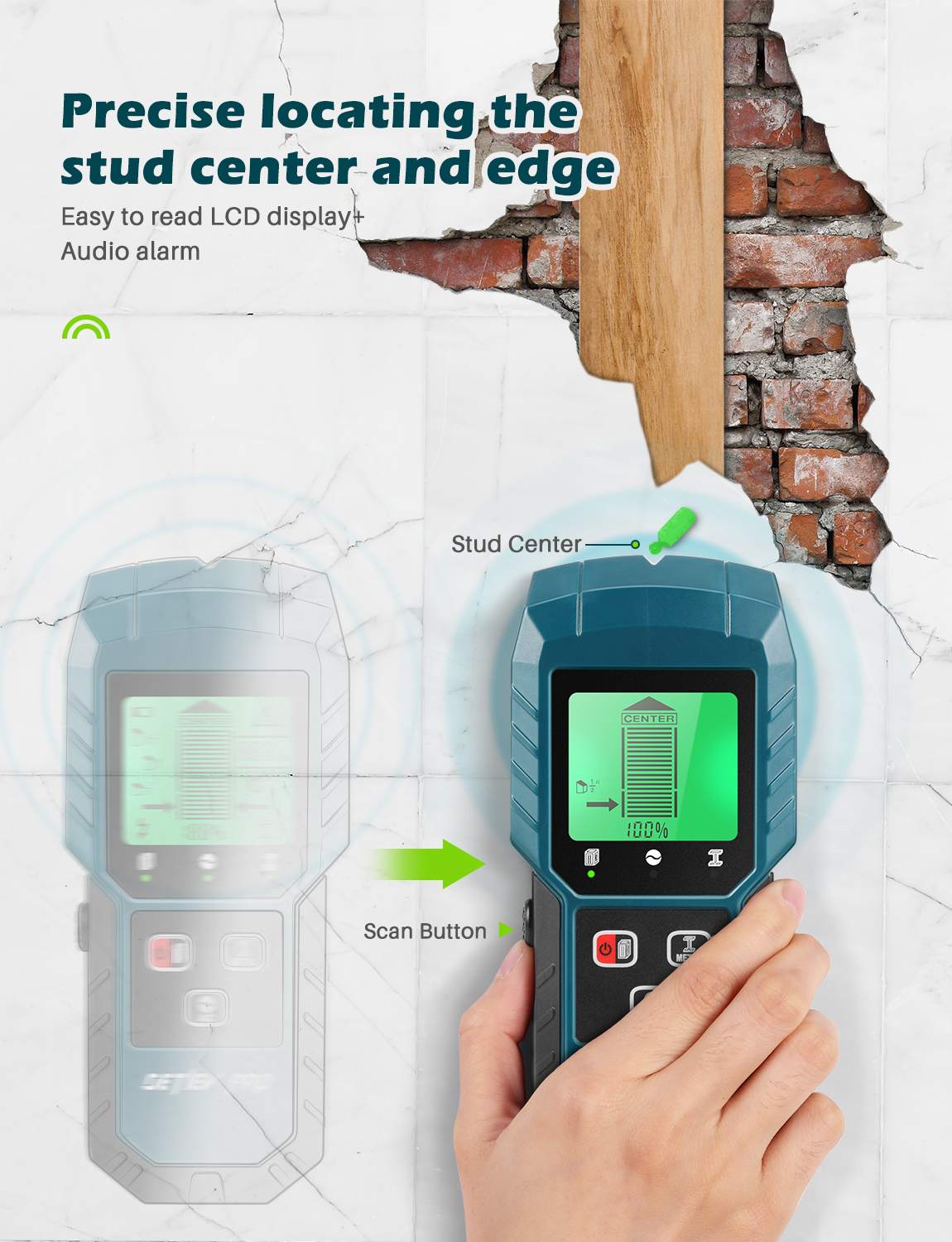
- Capable of detecting both wood and metal studs, the sensor will beep once it has picked up the edge of a stud
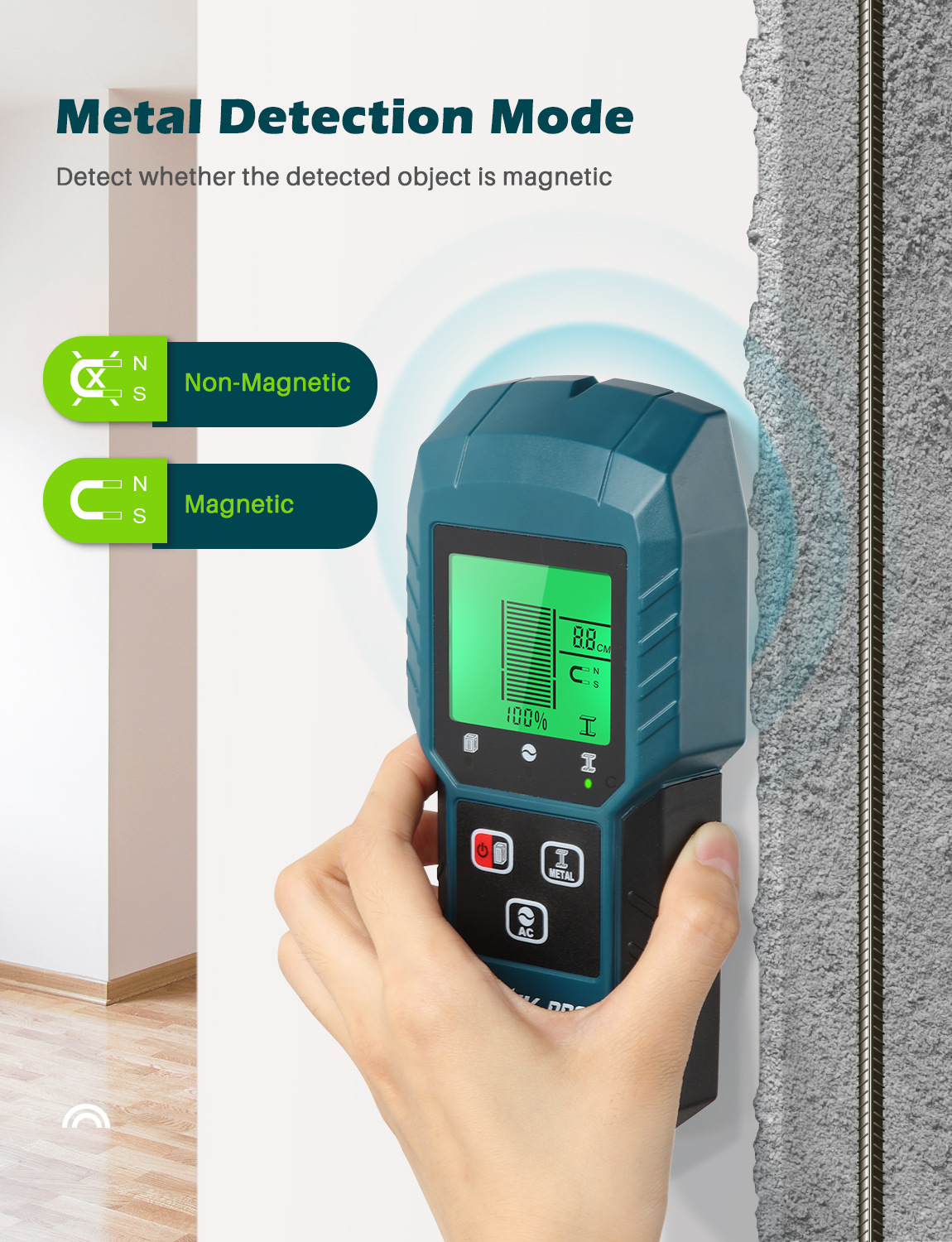
- Detect both ferrous (magnetic) and non-ferrous metals behind most types of nonmetal walls, floors, and ceilings
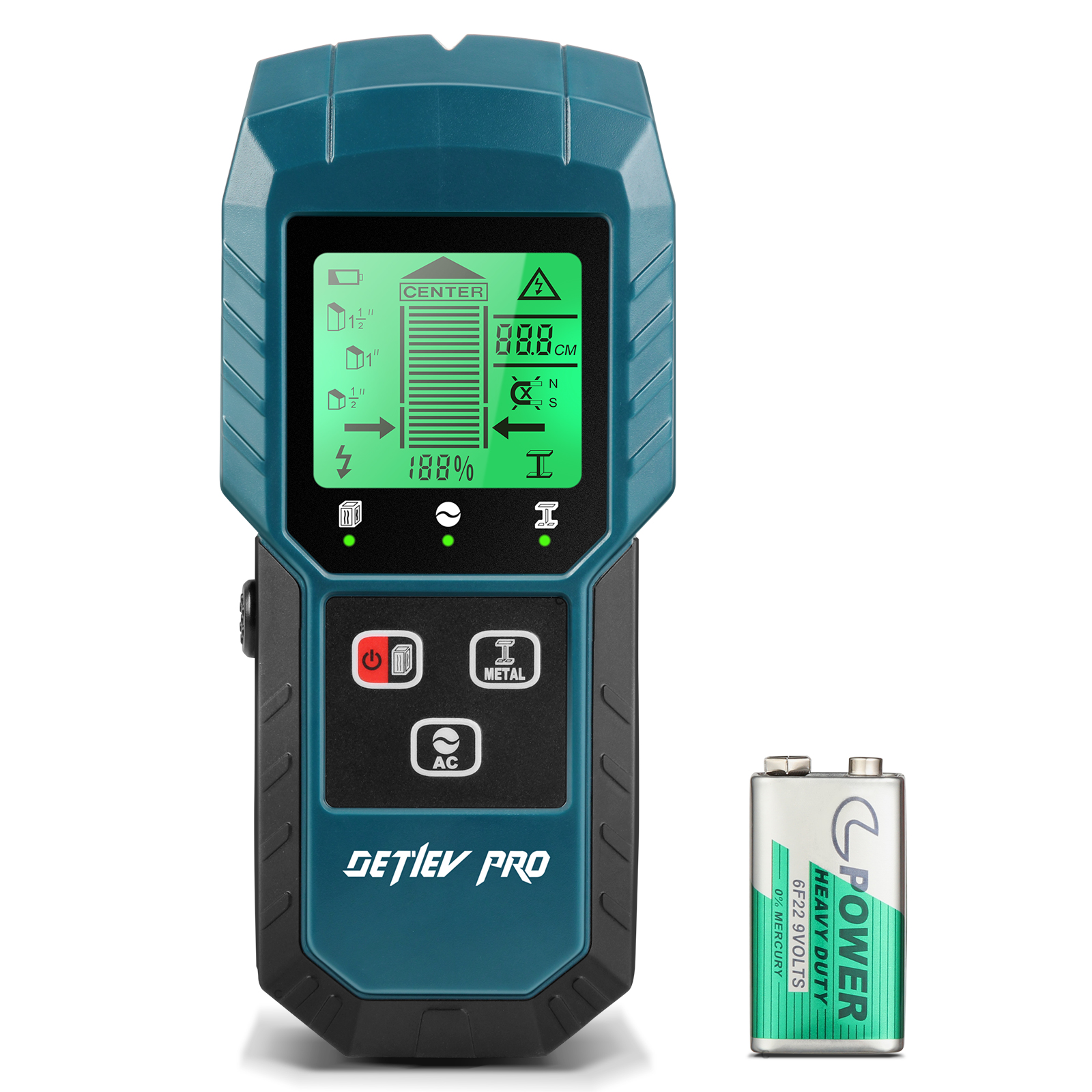
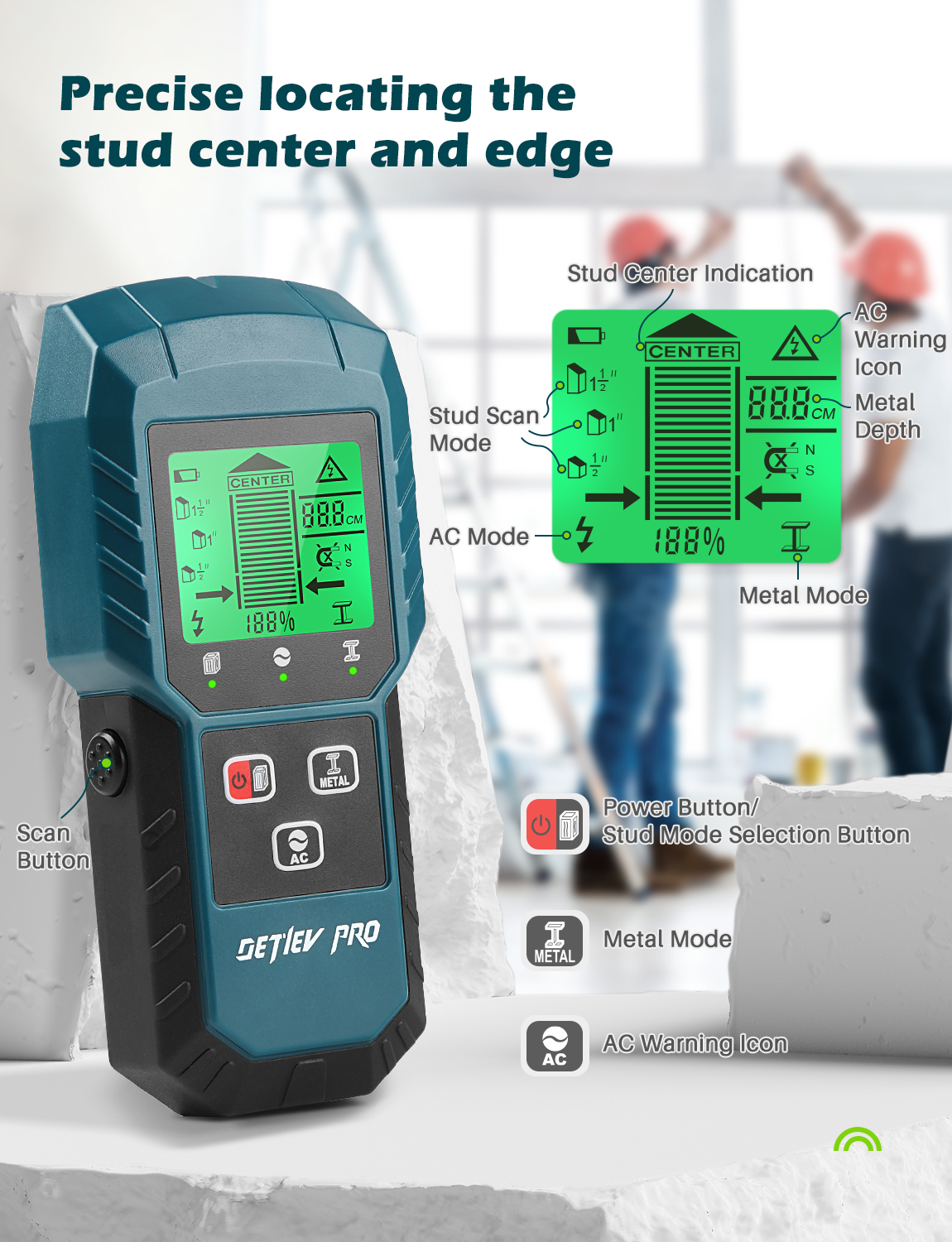
- Easy to read LCD display
- Metal Depth Indicator and Low Voltage Indicator
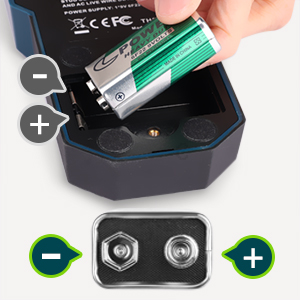
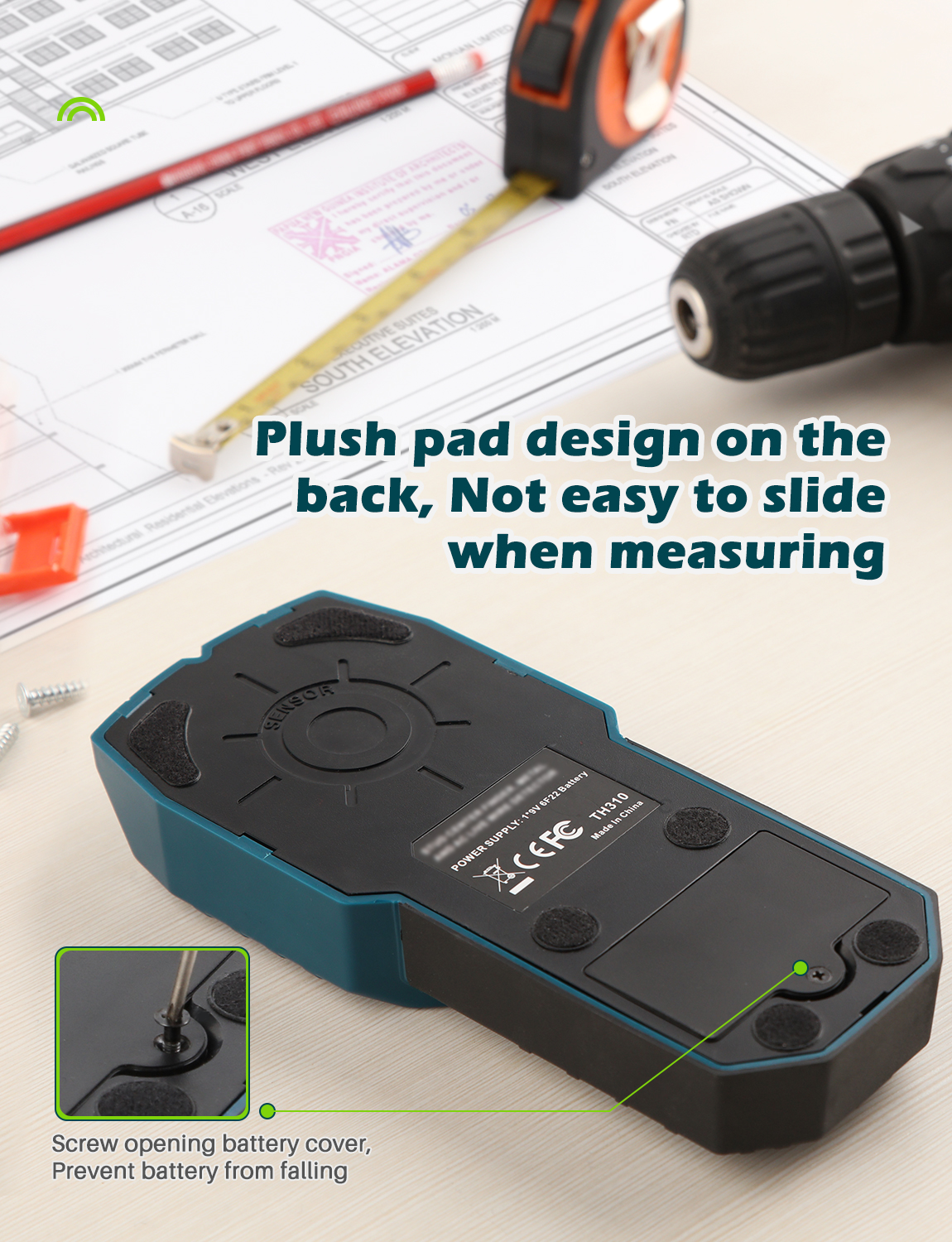
- Battery Type: 9V Battery (6F22)
- Operating Current: <50ma
- Automatic Shutdown Time: 3 minutes
Scan Mode
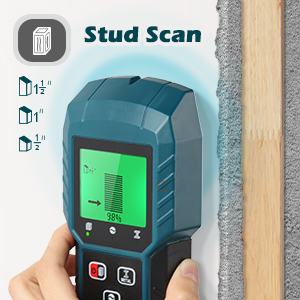
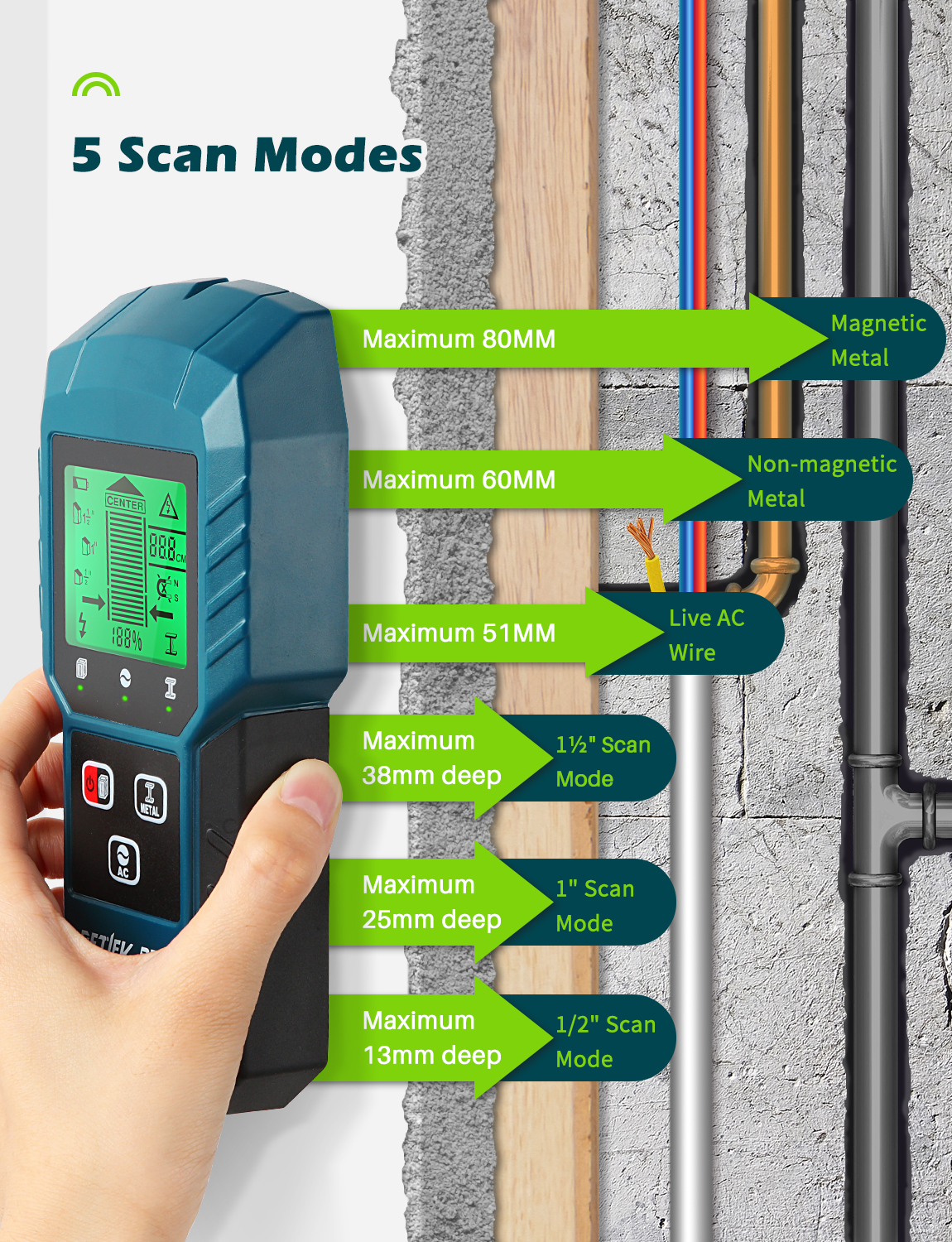
1/2″ Stud Scan Mode : Detects wood or metal studs up to 13mm deep
1″ Stud Scan Mode: Detects wood or metal studs up to 25mm deep
1½” Stud Scan Mode: Detects wood or metal studs up to 38mm dee
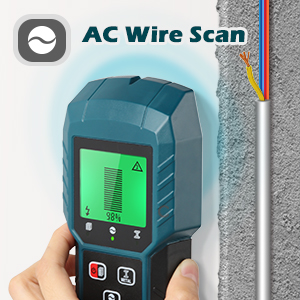
Live AC Wire Mode
Detects live unshielded AC wires up to 51mm deep
Note: Freshly painted walls may be difficult to scan for up to two to three weeks
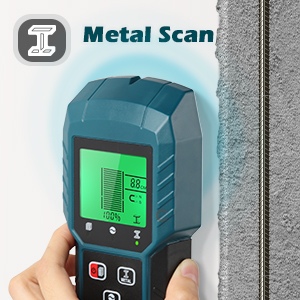
Metal Mode
Detects metal up to 80mm for magnetic (60mm for non-magnetic) deep
Don’t touch the wall with either hand while you’re using a stud finder—this can alter its readings.
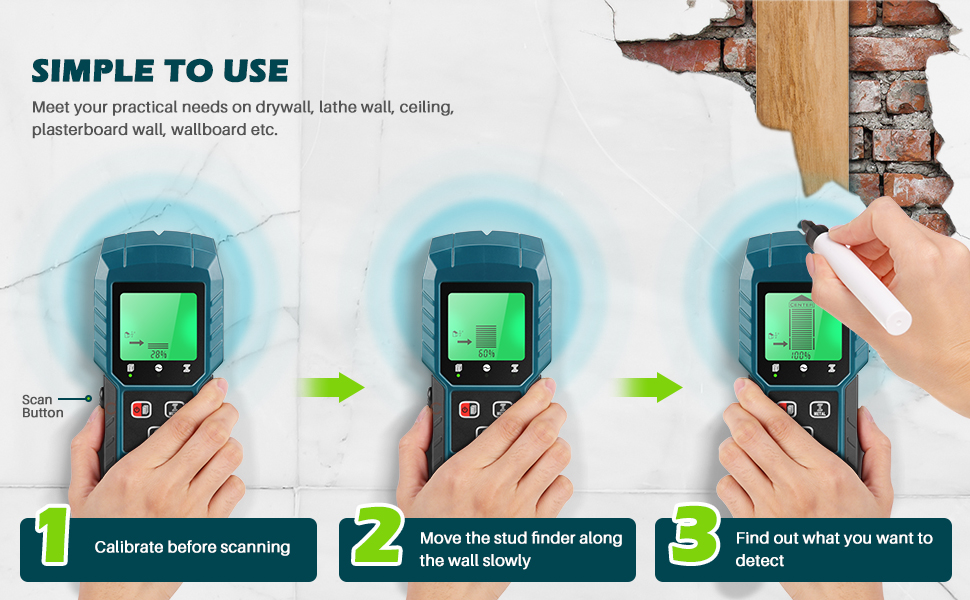
STUD SCAN MODE
- Install the battery and turn the stud detector on
- Press the “Calibration” button
- Detect objects in drywall
Note: Before using the stud mode, please make sure to calibrate against the wall, otherwise the results may be inaccurate
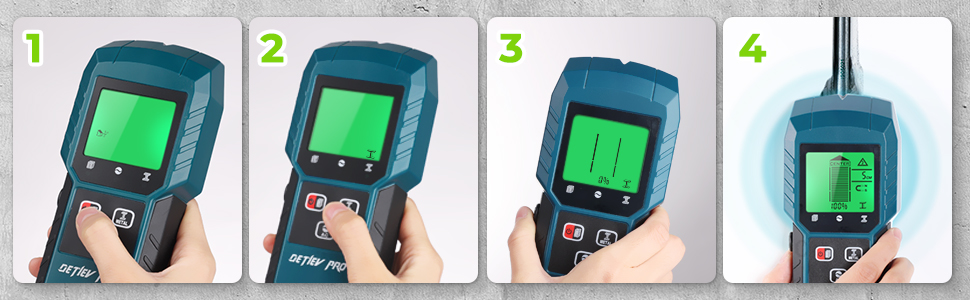
METAL SCAN MODE
- Install the battery and turn it on
- Switch to metal scan mode
- Press the “Calibration” button in the air
- Wait until the progress bar reaches 0% to detect objects in drywall
Note: Before using the metal mode or AC wire mode, please press the calibration button (Need to calibrate in the air, or can be hand-held)
Calibrate the Stud Scanner Before Every Scan
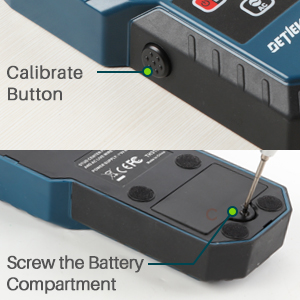
- In order to ensure the accuracy of product measurement, before each measurement, please press the calibration button on the side and start the measurement after hearing a beep
- Note: Wire Warning Detection works in both Stud Scan / Deep Scan / Metal Scan Modes
Install the Battery
Please make sure to align the positive and negative ends of the battery, otherwise won’t turn on the stud finder.